Establish trust with a dedicated secure sockets layer (SSL) certificate for your ecommerce Web site. An SSL certificate encrypts customers' personal information before sending it across the Internet and assures them it's safe to do business with you.
Give your customers the convenience of using their credit cards on your ecommerce site with a merchant account. A merchant account securely and automatically handles Internet transactions for your business.
Looking for an easy way to send emails? MailChimp makes it quick and easy to send HTML e-mail campaigns from Zen-cart.
Sign up for a free trial account and get our advanced tracking reports (a $49 value) added to your account absolutely FREE.








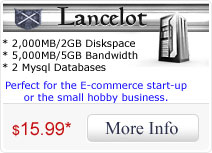

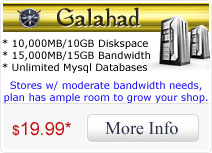
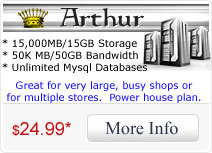
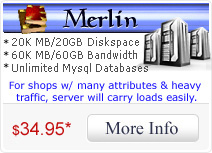



 Home
Home Products & Services
 Support
  Knowledgebase
 Domains
 Register a Domain
 Web Tools